Activate your tokenwear Pay Wearable
Turn your hoodie or wearable item into a smart payment device in under 2 minutes. Follow these simple steps to activate and start spending in TOKEN CITY.
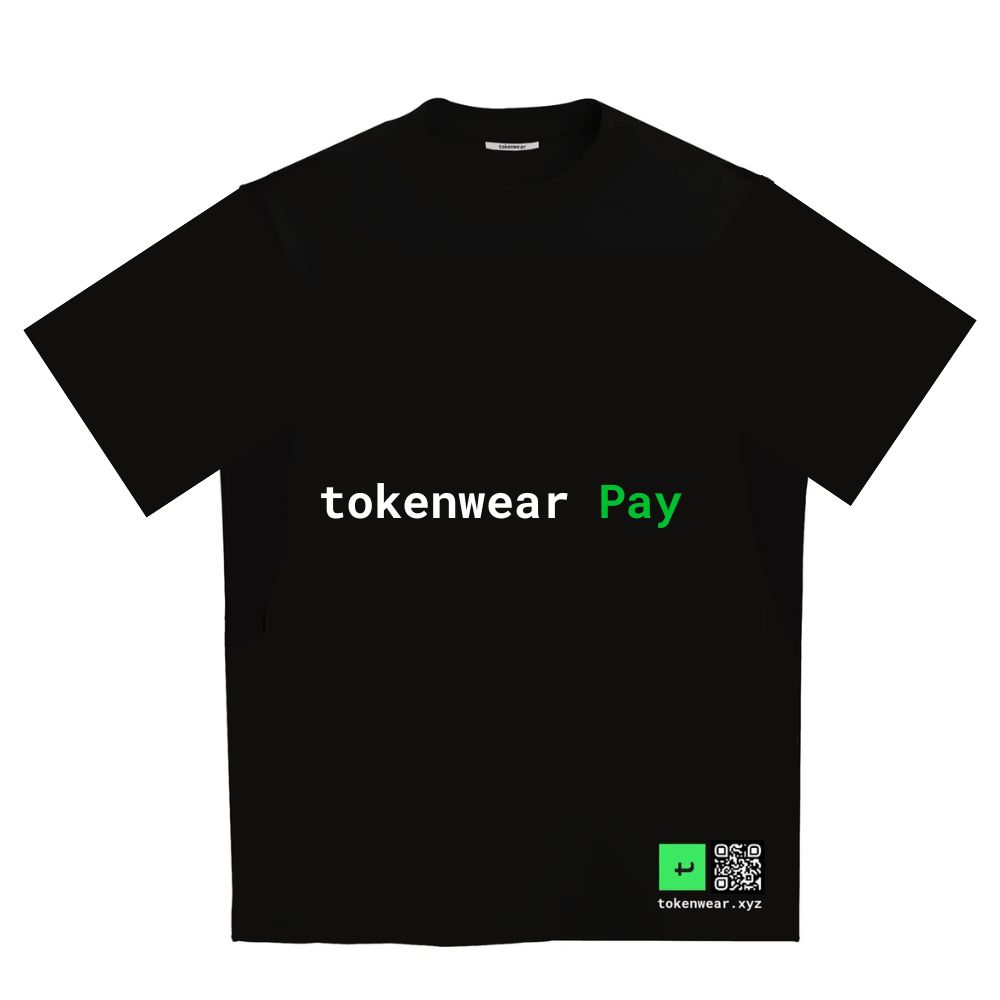
5-Step Activation Process
Locate Your Garment QR Tag
Find the embedded tokenwear QR Tag on the sleeve or hem of your official tokenwear Pay garment.
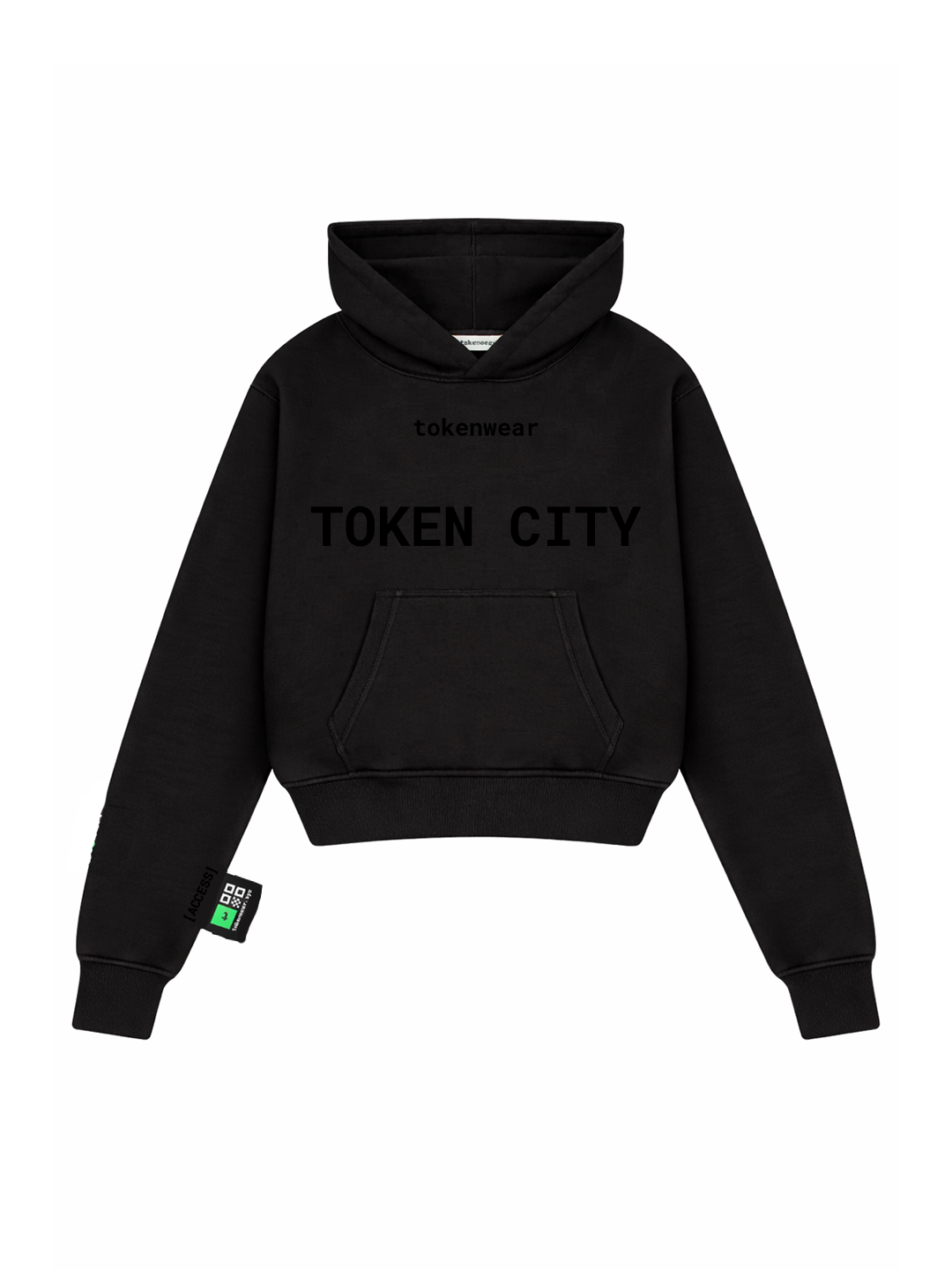
Scan to Launch Activation
Use any smartphone camera to scan your garment tag and open the secure activation portal.
Set Your 4-Digit SECRET PIN
Link your garment to your tokenwear account and create a 4-digit SECRET PIN. This PIN will be required to checkout at merchant POS.
Deposit TKZ tokens
Top up your account with TKZ tokens using instant card checkout, crypto, or earned rewards.

Ready for TOKEN CITY
Your garment is now fully active! Simply walk into participating merchants, scan, enter PIN, and pay.

What You Need
- An official tokenwear Pay garment
- A smartphone with camera for initial setup
- A 4-digit SECRET PIN of your choice
- TKZ tokens to cover store purchases
Security & Control
- PIN-Protected Payments — No transactions occur without your secret 4-digit PIN
- Encrypted Tag Pairing — Each garment is cryptographically paired to your wallet
- Instant Balance Holds — Real-time token validation at point of sale
- Remote Deactivation — Lock or pause your garment anytime if lost
Ready to spend in TOKEN CITY?
Buy TKZ tokens to top up your garment, explore city merchants, or jump into games to earn rewards.