Order Uber Eats with TKZ tokens
Order Uber Eats vouchers using your tokenwear App or your HUZZLE account to enjoy instant meals across TOKEN CITY.
Step-by-Step Food Order Guide
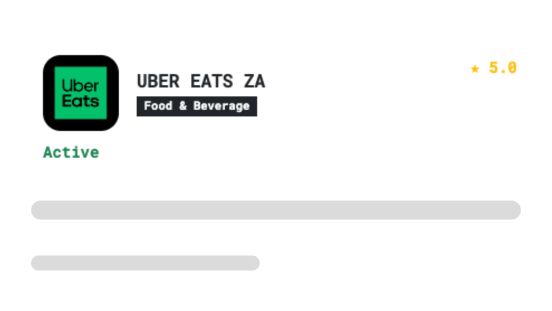
Search for Uber Eats
Search for Uber Eats in the merchant catalog.
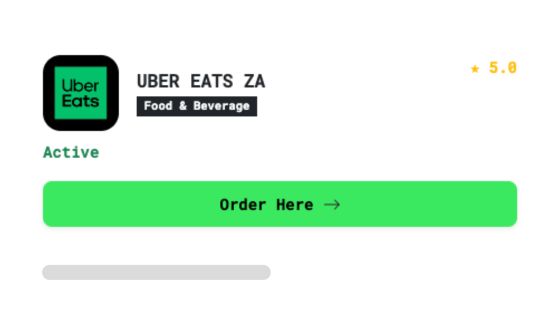
Click on "Order Here"
Tap the "Order Here" button on the food merchant store page to add order to menu.
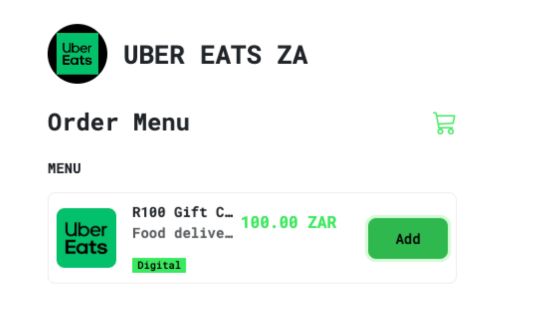
Add Uber Eats Voucher to Order
Select the Uber Eats Voucher denomination from the store menu and add it to your cart.
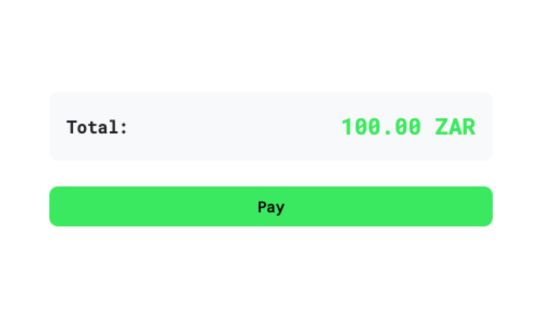
Click on Pay
Review your order total in TKZ tokens and click the "Pay" button to start checkout.
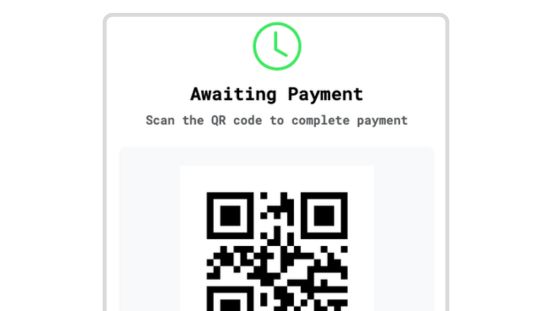
Scan QR Code or Pay with HUZZLE
Scan the checkout QR code using your tokenwear App, or select "Pay with HUZZLE" to authorize payment.
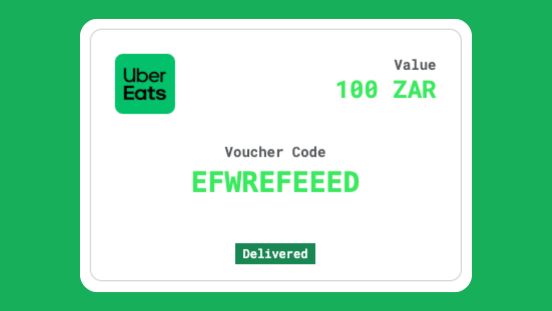
Vouchers Delivered! Enjoy Your Meal
Your Uber Eats voucher code is delivered instantly. Redeem it inside the Uber Eats app to order your meal!
Want to Pay from your HUZZLE Account?
If you hold tournament prize tokens or balances inside your HUZZLE account, follow these simple sub-steps at checkout:
- 1On the payment screen, click on "View more payment options".
- 2Select "Pay with HUZZLE" from the available options.
- 3You will be securely redirected to HUZZLE to authorize payment from your HUZZLE account balance.
- 4Once confirmed on HUZZLE, you return instantly with your voucher issued!
Ready to Order Food?
Explore food merchants on the TOKEN CITY map or top up your TKZ tokens to get started.